Inside the LottoChamp Members Area
What's inside the LottoChamp members area?
The LottoChamp members area is a login-protected app where you generate lottery number strings, save them by game and date, and revisit your history any time. A single payment unlocks lifetime access, plus two bonus ebooks stored in-account. It organises your own selections; it does not predict draws or change the odds.
- One payment: lifetime login, no subscription or renewal to cancel.
- Saved strings: combinations organised by game and draw date.
- Bonuses: two ebooks accessible inside your account.
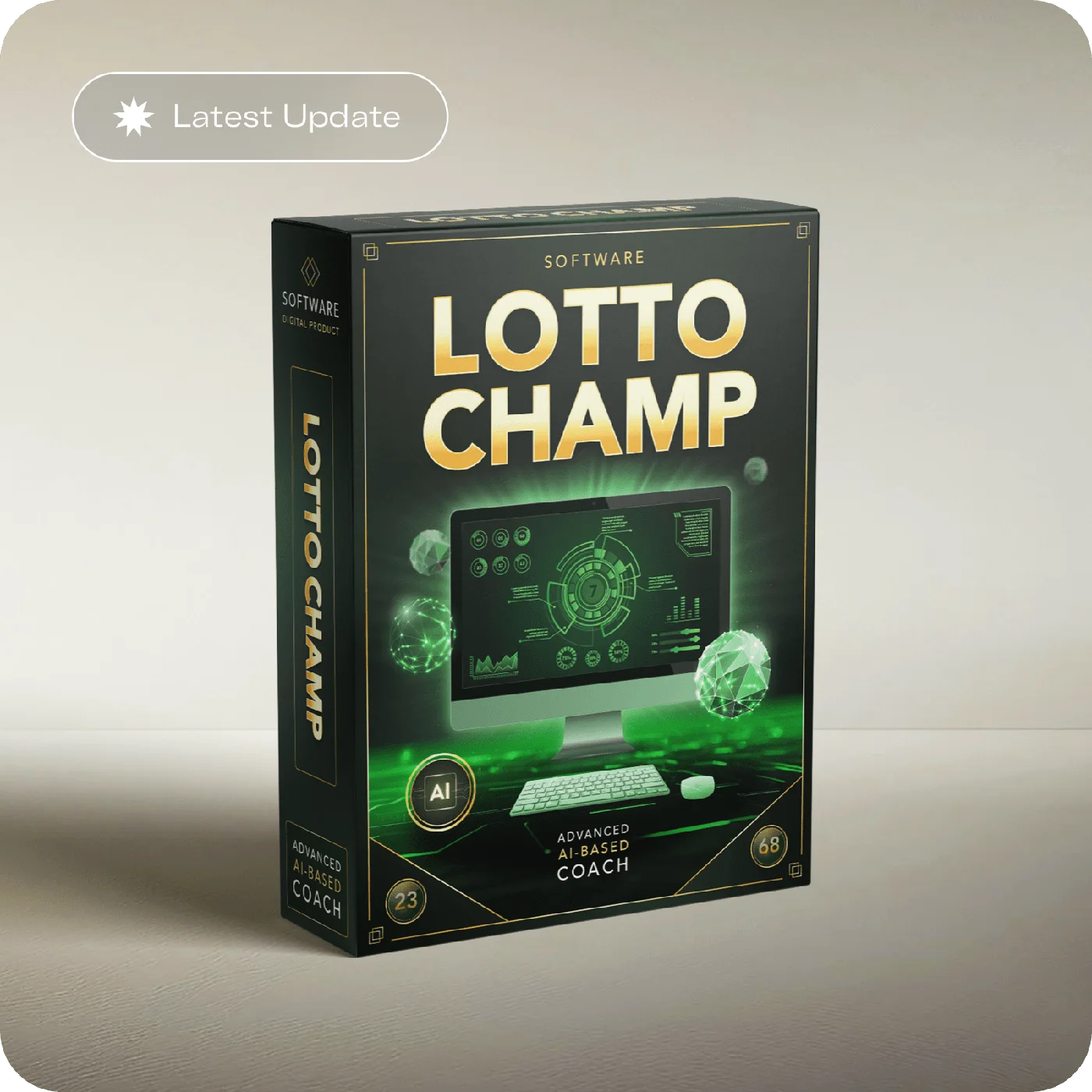
What the LottoChamp members area gives you
If you are about to buy, or you have just bought and want to know what you are logging into, this is the honest walkthrough. The LottoChamp members area is the whole product: a browser-based account where you generate lottery number strings, keep them organised, and open two bonus ebooks. There is no crystal ball behind the login and no secret feature the sales page hides — setting that expectation up front is the point of this page, because the value here is convenience and organisation, not prediction.
The core loop is simple. You pick a game, you generate a set of numbers, and you save the result. Instead of a pocket full of paper slips and half-remembered "usual numbers", you get a clean record of what you chose and when. For anyone who plays the same draws regularly, that tidiness is the genuine draw of the tool — it turns a scattered habit into an organised one.
How to log in after you buy
The login flow follows the standard pattern for a BuyGoods digital product, so it will feel familiar if you have bought this kind of thing before.
Step one: check your confirmation email. Immediately after checkout you receive an order confirmation from the payment platform containing your access details and a link to the members login. This email is also your receipt and your proof of the 60-day money-back guarantee window, so keep it.
Step two: open the members login. Follow the link in that email and sign in using the email address and credentials tied to your purchase. Because the account is browser-based, there is nothing to install — the login page loads like any other website.
Step three: if the email does not arrive. Check your spam and promotions folders first, since automated confirmation mail lands there more often than people expect. If it is still missing, contact support at [email protected] or reach the seller through your BuyGoods order record, which stores your purchase independently of your inbox.
None of this involves anyone contacting you out of the blue. If you ever receive a message claiming to be LottoChamp support asking for payment or bank details, treat it as fraud — our guide to lottery winner scam messages and fake prize claims explains why a real product never works that way.
Is access really lifetime on one payment?
This is the question buyers ask most, and the honest answer has two parts. LottoChamp is marketed as a one-time payment for lifetime access, with no subscription and no recurring charge to cancel later. That is the model on the sales page, and it is the reason the product appeals to people who are tired of monthly renewals.
The careful caveat: marketing terms can change, and "lifetime" in digital products practically means for as long as the product is maintained and available. So the correct move is to read the exact wording on the official order page at the moment you buy, confirm there is no recurring line item at checkout, and keep your confirmation email as the record. Do that and you have both the single-payment access and a documented refund window, which is the combination worth having.

See the access terms in full
The one-time price, the lifetime-access wording and the 60-day refund window are all listed on the official order page before you commit — check them there.
Get OfferThe two bonus ebooks, and where they live
Alongside the number tool, the membership includes two bonus ebooks that sit inside the same account, so there is nothing extra to buy or download from elsewhere. They are guide-style digital booklets in the money and lottery-play space, and you open them from within the members area the same way you reach your saved strings.
Set expectations here too. Bonus ebooks in this category are general-interest reading, not systems that change outcomes, and they should be weighed as a small extra rather than the reason to buy. Their value is that they are already included and already in your account, not that they contain any method for beating a draw — because, as with the main tool, nothing printed in a booklet can move fixed odds.

Using LottoChamp on your phone
Because the members area runs in a browser rather than as an installed app, it works across a phone, a tablet and a computer with the same login. There is no app-store download and no separate mobile version to keep updated; you open the login page, sign in, and your saved strings are there on whichever device you used. A working internet connection is the only requirement, since the account and its history live online rather than on the handset.
In practice that suits how people actually play — generating and saving a set on a phone in a spare moment, then reviewing the history later on a laptop. The cross-device continuity is a small but real part of what the membership offers, and it is one of the things worth trying inside your 60-day window to see whether the workflow fits you.
The everyday workflow: generate, save, revisit
Once you are past the login, the members area settles into a rhythm of three actions, and knowing them in advance tells you exactly what you are paying for. First you generate: pick the game you play and produce a set of number strings on demand, as many fresh sets as you want. Second you save: keep the strings you like against a specific draw date so they are pinned to a moment rather than floating loose. Third you revisit: open your history whenever you want and see, cleanly, what you chose and when you chose it.
That third step is quietly the most useful. Regular players tend to accumulate a mess — a "usual" set half-remembered, a lucky combination written on a receipt that has since gone through the wash, a birthday sequence someone insists on. The members area replaces all of that with a single dated record you can actually read back. It will not tell you those numbers are any good, because no tool can, but it will tell you precisely what you played and when, and for a lot of people that tidiness is the entire reason to keep the account open. Think of it as a filing cabinet for selections, not an oracle.
Nothing in this loop reaches out to a draw, a retailer or a claims desk. Generating and saving happen entirely inside your account, and the strings are yours to enter through whatever official channel you normally use. The tool sits firmly on your side of the counter.
Packs of two, three or six explained
When you generate, LottoChamp lets you work in packs — two, three or six strings per set — and buyers sometimes read more into this than is there. The packs are simply how many combinations you produce and keep at once; a larger pack is more strings to save and organise, not a larger chance at a draw. This is worth stating plainly because it is exactly the kind of feature that can be misread as an edge.
The honest way to think about pack size is budgeting and record-keeping, never odds. If you like to keep a handful of combinations on the go, a bigger pack keeps them together and dated in one place. If you play a single line, a small pack keeps your history uncluttered. Either way, every string you save carries the same fixed odds as any other line on any other slip — the pack changes how much you organise, not how the draw behaves. Buying more combinations means spending more, and spending more on a fixed-odds game is a budgeting decision to make deliberately, inside the entertainment limit you have already set, not a route to better chances.
What the members area is not
Being clear about the boundaries is the most useful thing a guide like this can do. The LottoChamp members area is not a prediction engine, not a claims service, and not a shortcut around the odds. It stores and organises combinations you decide to keep; it has no connection to any official draw machine and no ability to make a saved string more likely to appear.
If you are still weighing whether the product is trustworthy at all, that is a fair question to settle before you log in, and we tackle it directly in our evidence check on whether LottoChamp is a scam. And if the appeal for you is the idea that software can find winning numbers, read our plain-math explainer on whether AI can predict lottery numbers first — it will save you from expecting something the members area was never built to do.
What you get versus what to expect
| Feature | What it is | What to expect |
|---|---|---|
| Number generation | Create strings on demand | Fast, organised selections — not predictions |
| Saved history | Strings stored by game and date | A clean record instead of paper slips |
| Packs | Two, three or six strings per set | Choose how many combinations you keep |
| Access | One-time payment, lifetime login | No subscription; confirm wording at checkout |
| Devices | Browser-based | Phone, tablet or computer, same login |
| Bonuses | Two ebooks in-account | General reading, not an outcome system |
Try the members area with your refund window
Access is sold only through the official checkout — one payment for lifetime login, the two bonus ebooks, and a 60-day money-back guarantee so you can evaluate the workflow calmly.
Get OfferFrequently asked questions
What's inside the LottoChamp members area?
Inside the LottoChamp members area you can generate lottery number strings, save them against a specific game and draw date, and revisit your saved history any time. You choose packs of two, three or six strings per generation, and two bonus ebooks are stored in the account. It organises the selections you make; it does not predict which numbers will be drawn.
How do I log in after buying?
After checkout through BuyGoods you receive an order confirmation email with your access details and a link to the members login. Use the email address and credentials tied to your purchase to sign in. If the email is missing, check spam first, then contact support at [email protected] or the seller through your BuyGoods order record.
Is access really lifetime with one payment?
LottoChamp is marketed as a single one-time payment for lifetime access, with no subscription or recurring renewal to cancel. Because terms can change, confirm the exact wording on the official order page before you buy, and keep your confirmation email as your record of the purchase and the 60-day money-back guarantee window.
Can I use LottoChamp on my phone?
Yes. The members area is browser-based, so it works on a phone, tablet or computer through a normal web browser without a separate app install. Log in with the same credentials on any device. A working internet connection is needed to reach your account and your saved number strings.